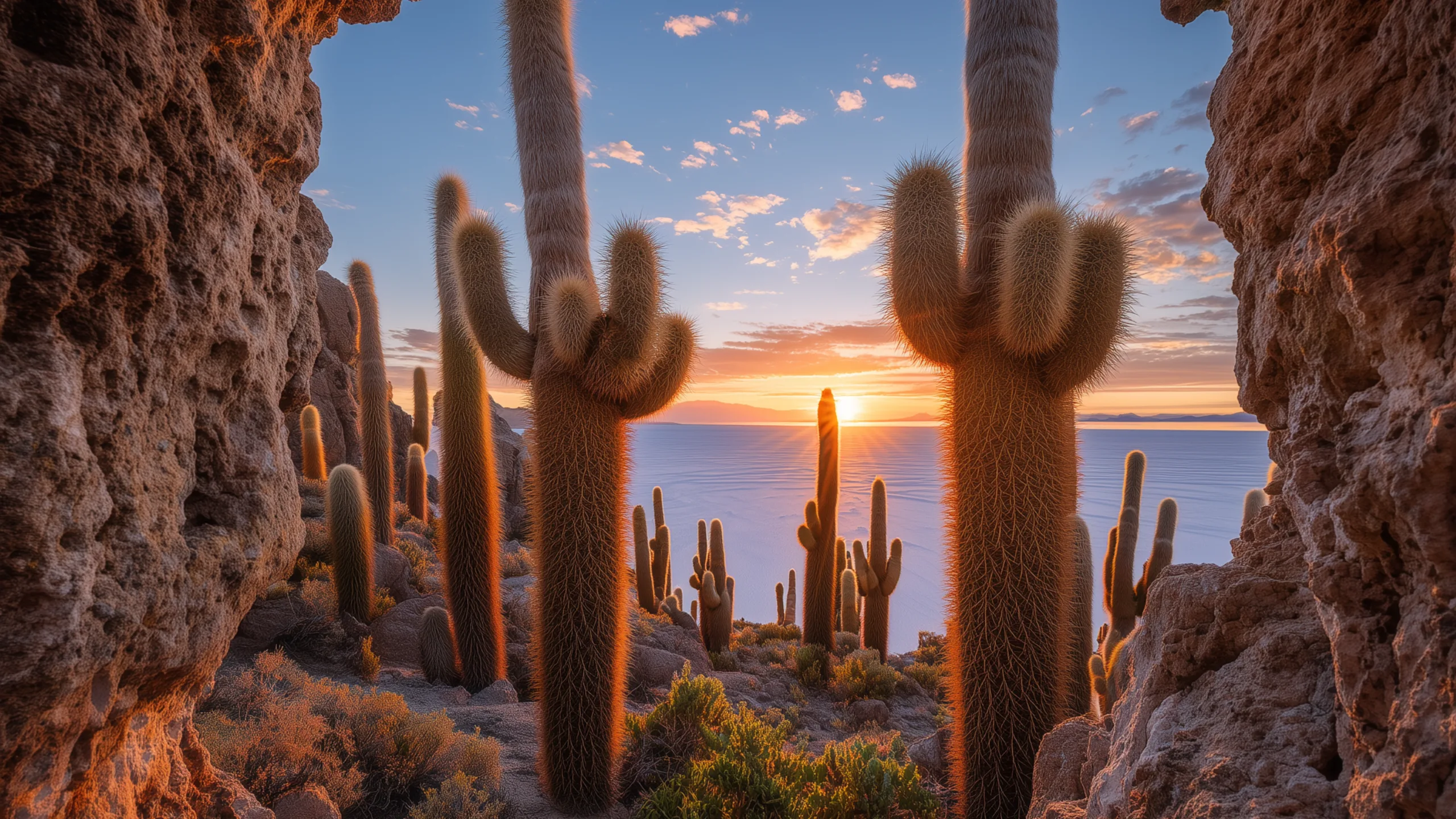
Salar de Uyuni
Potosí, Bolivia
20 looks
Chronoscape shows one real place at the same hour and weather you’re actually having, then keeps it in step as your day moves on.
Each scene is rendered at five moments between sunup and sundown. As the day moves on, the light on your desktop moves with it.
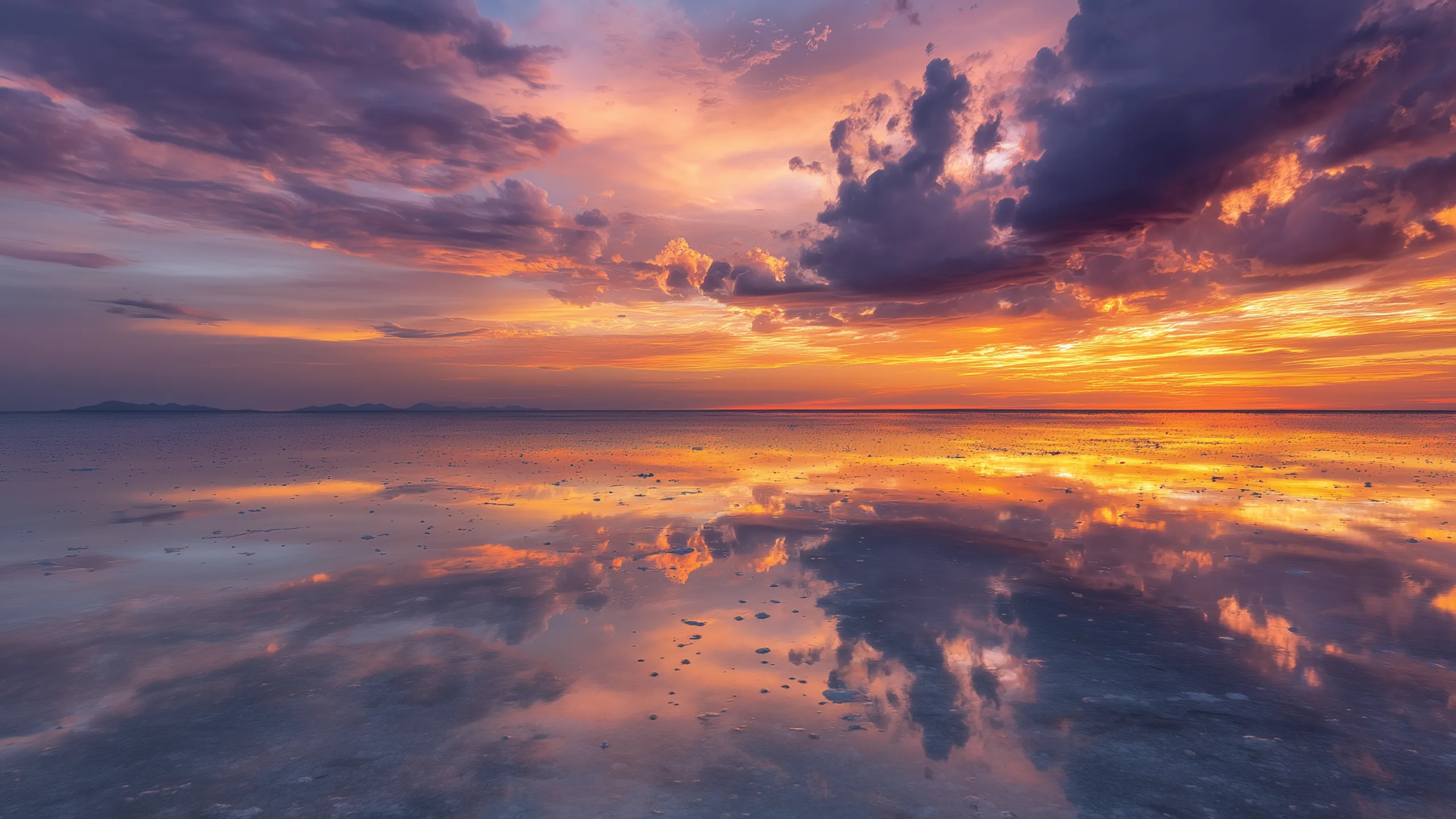
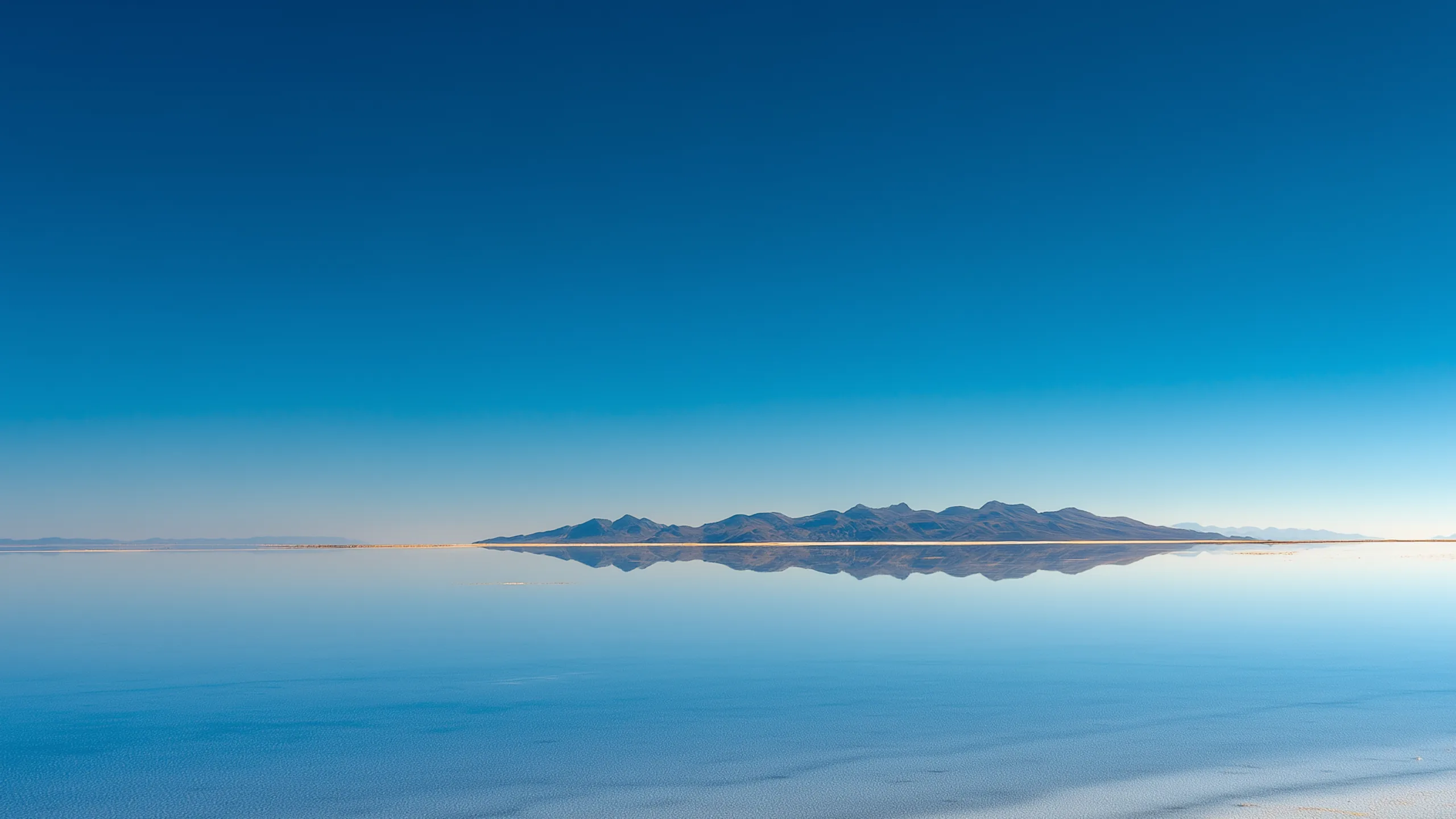
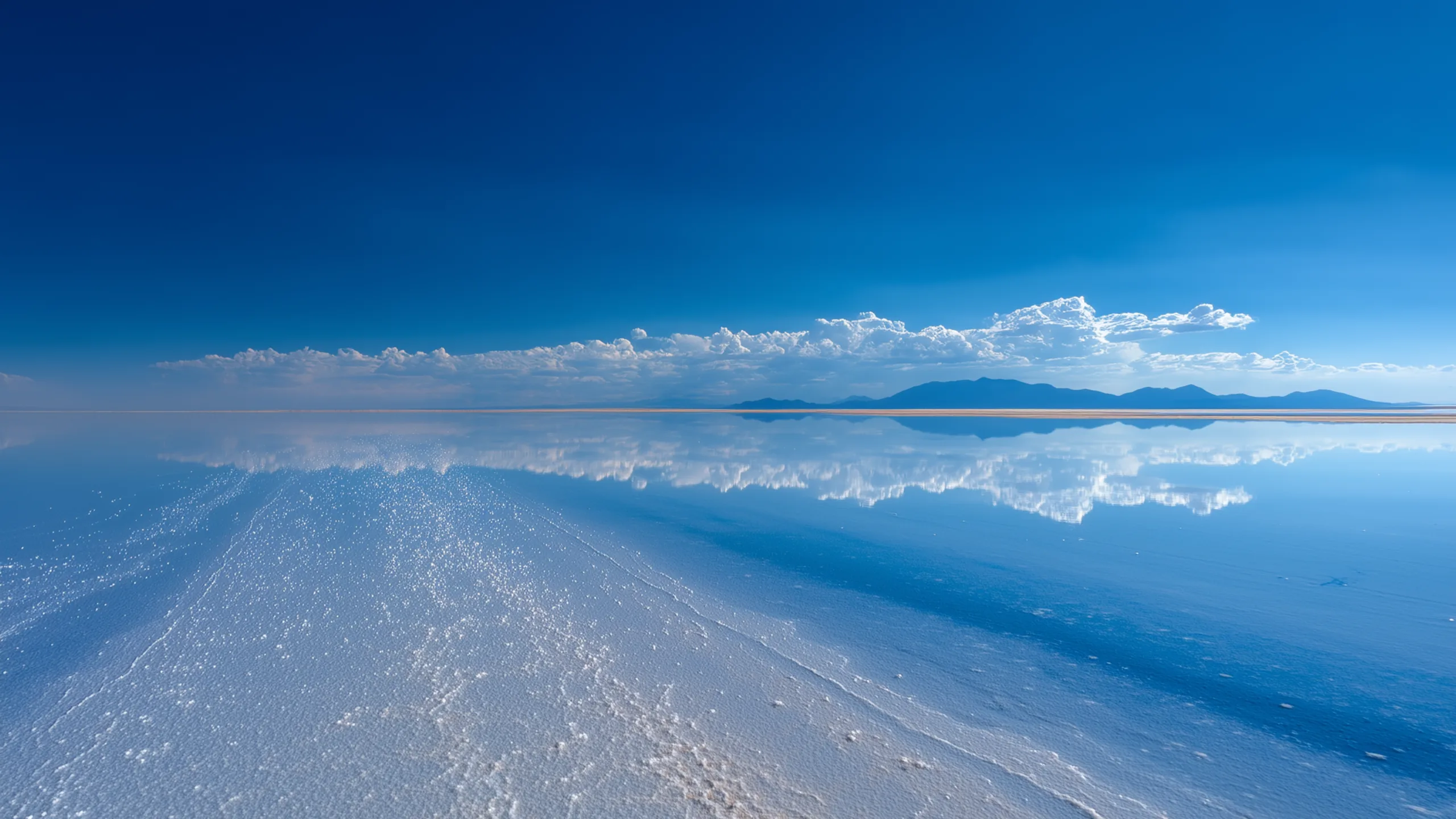
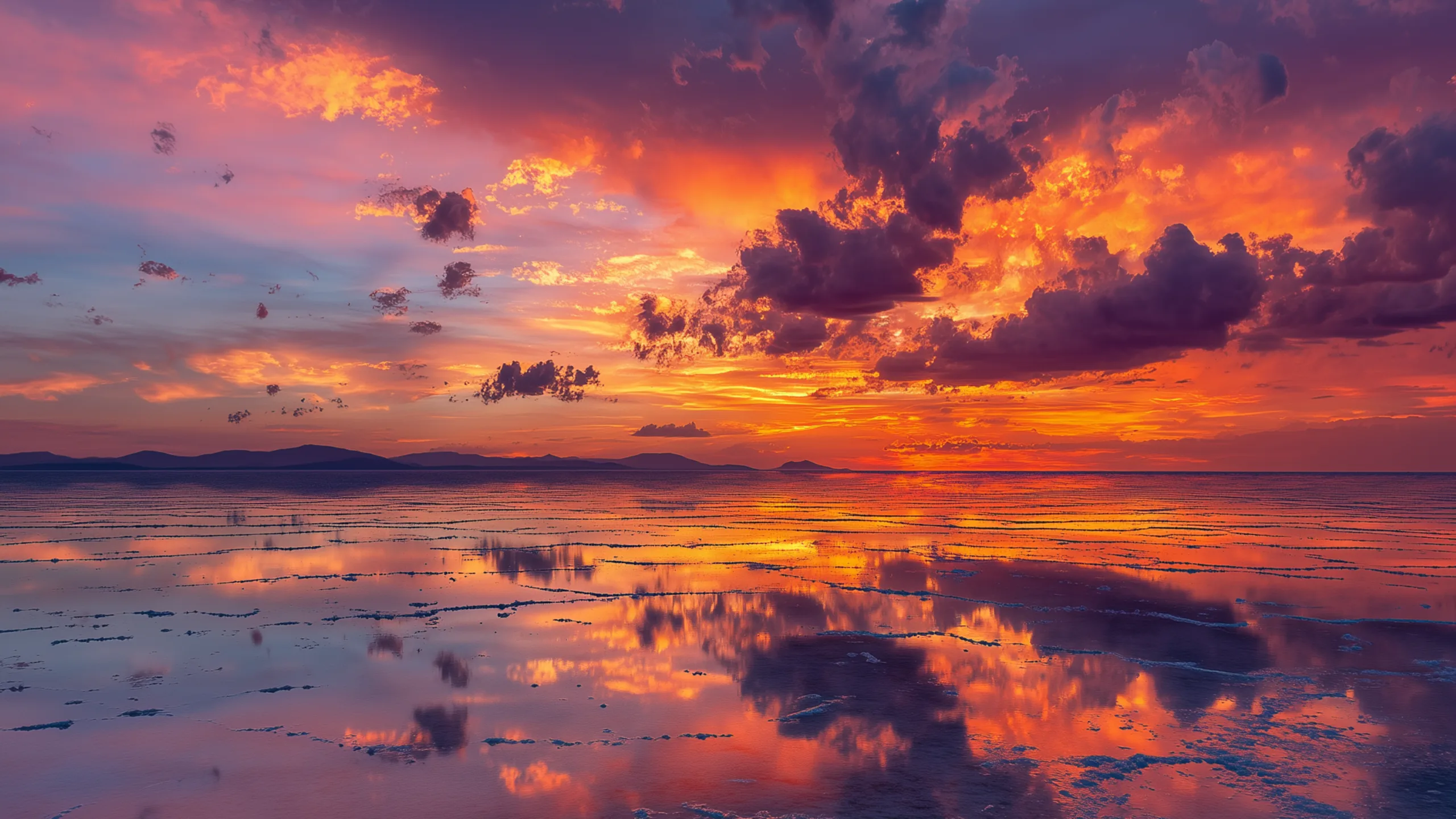
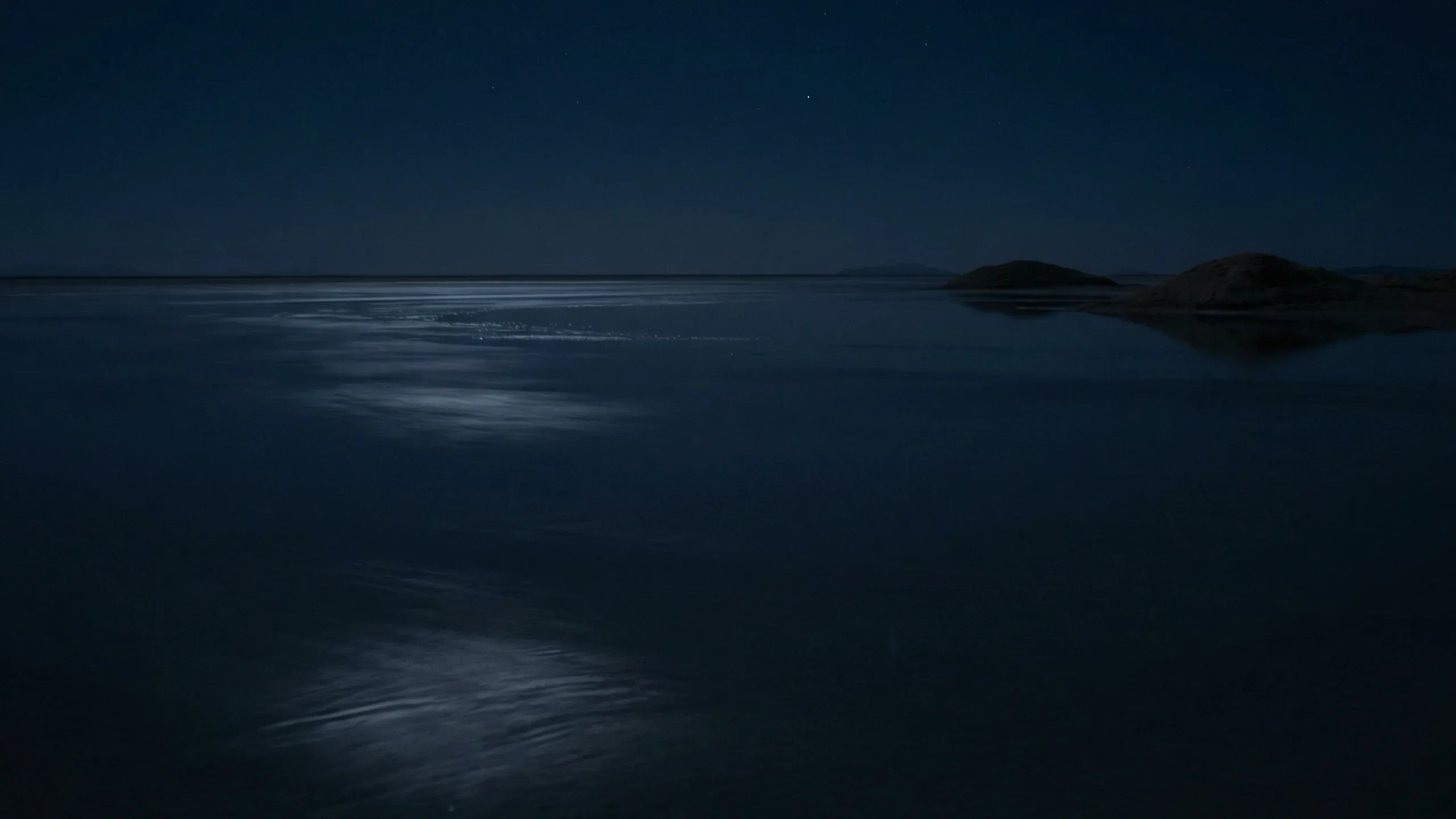
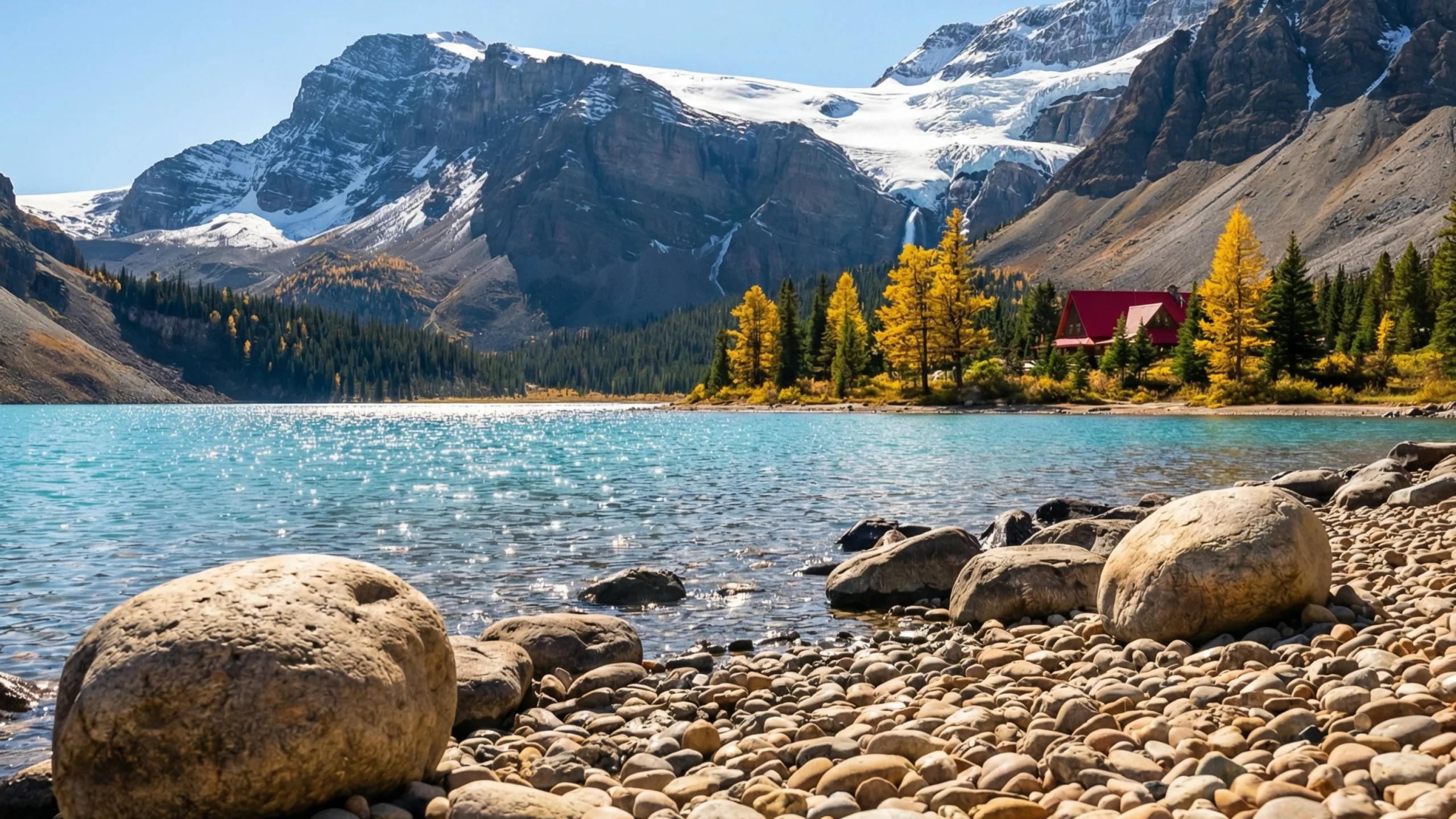
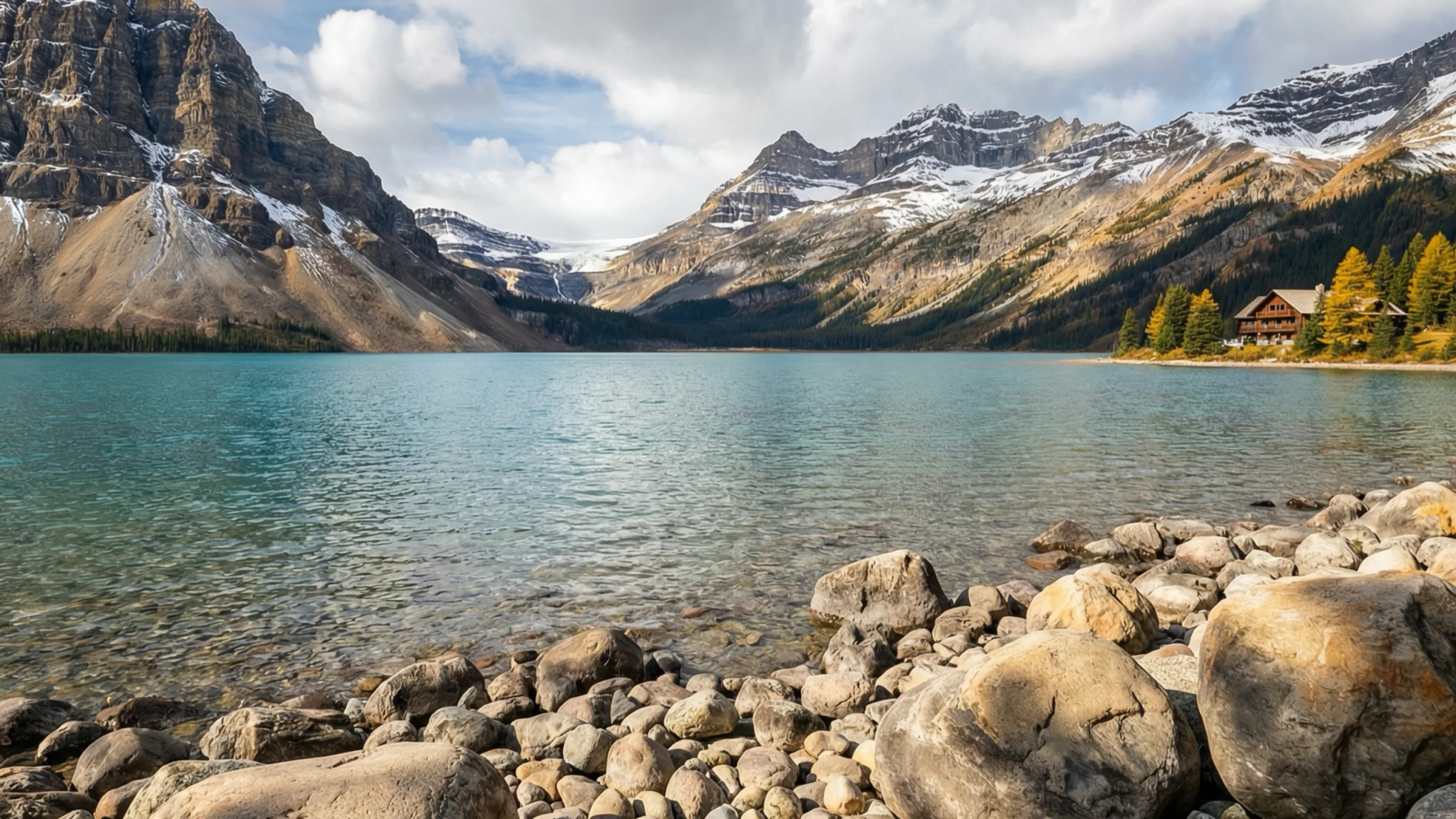
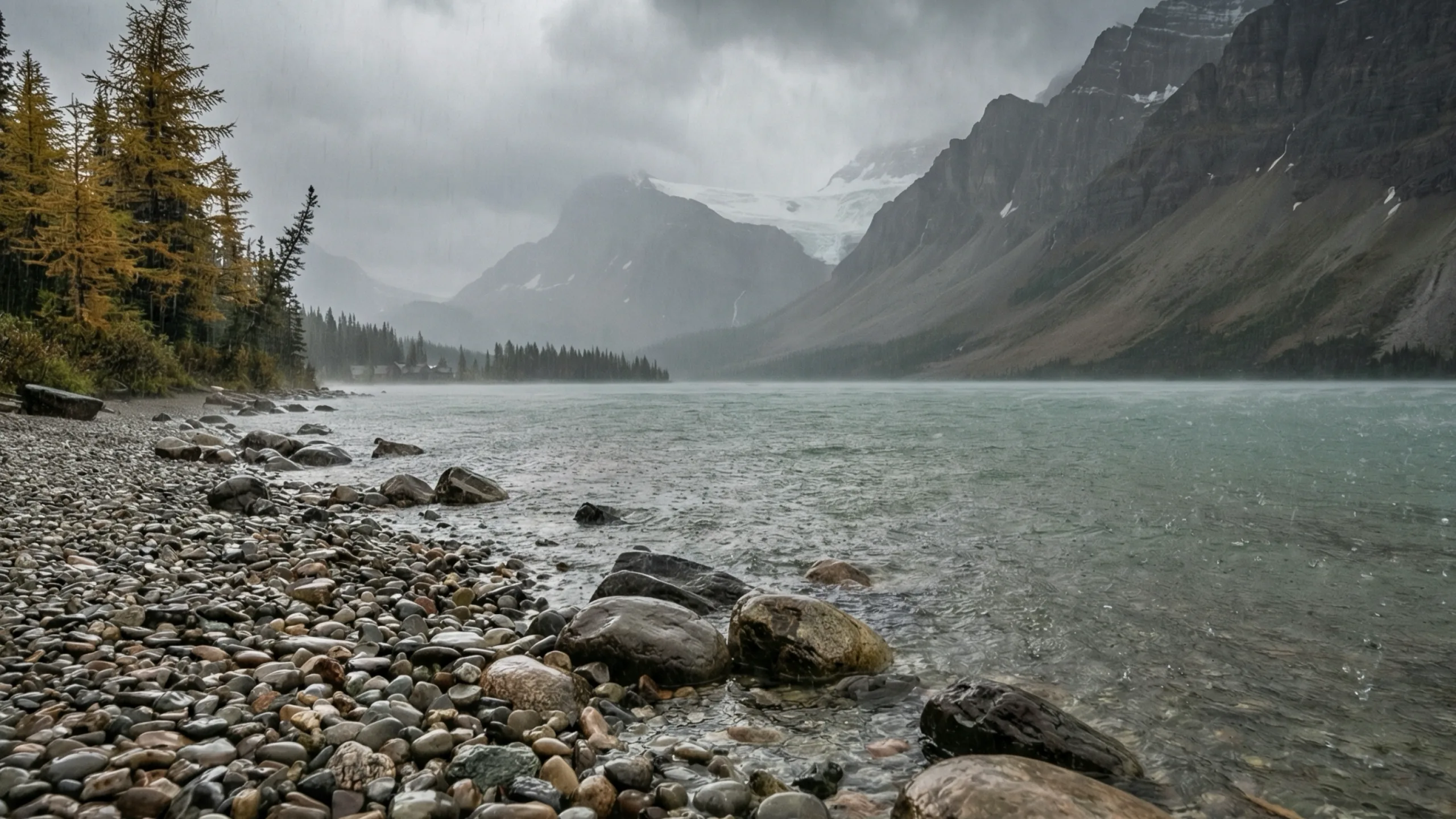
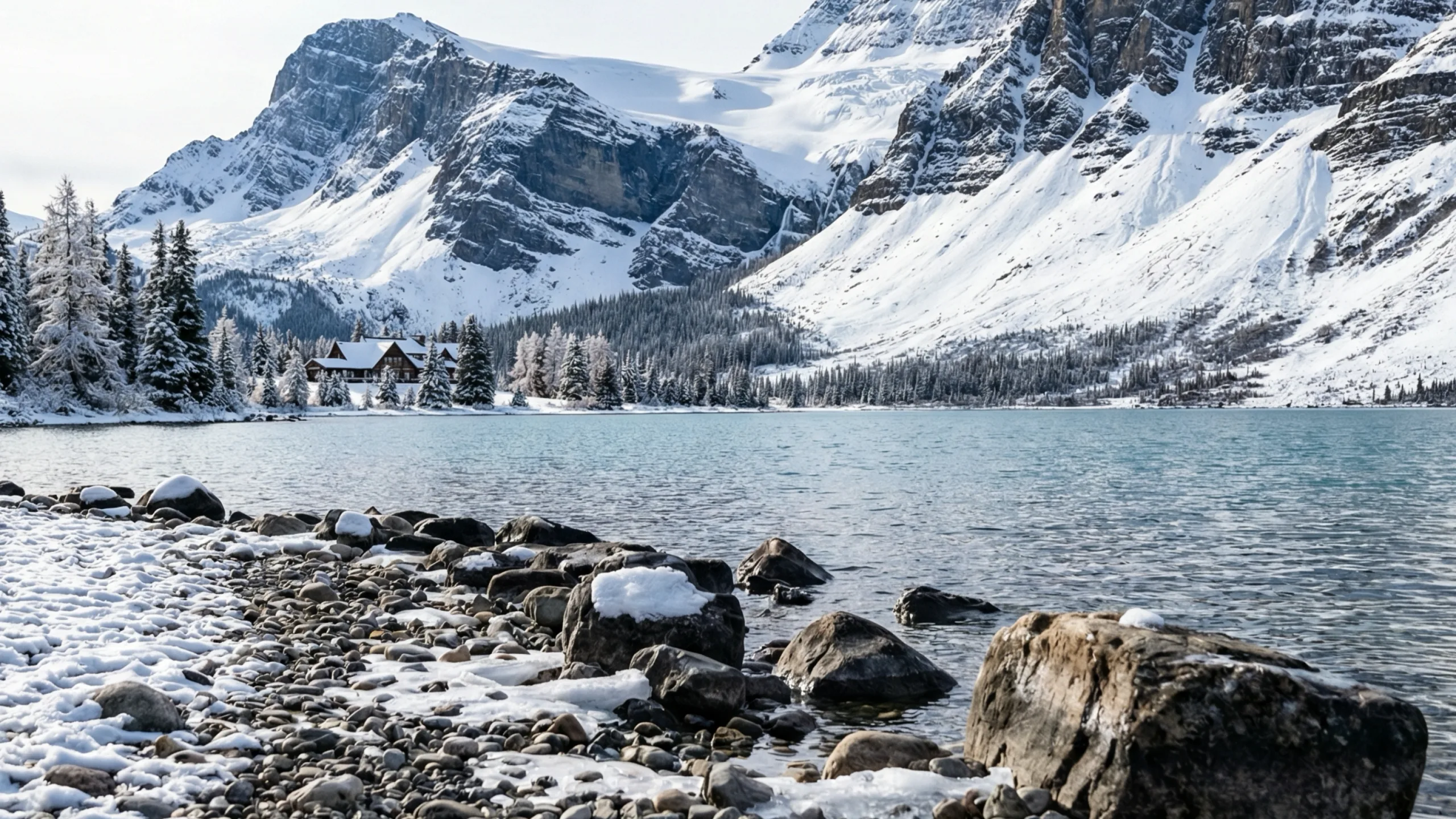
Chronoscape checks the live forecast for your city and shows the version of your scene that matches it: clear, cloudy, rain, snow or fog. Try the buttons below.
Most wallpaper apps copy the same picture onto every monitor. Chronoscape gives each display its own view of the same place, at the same hour, under the same sky, so a two- or three-screen desk looks like one place instead of one picture repeated.
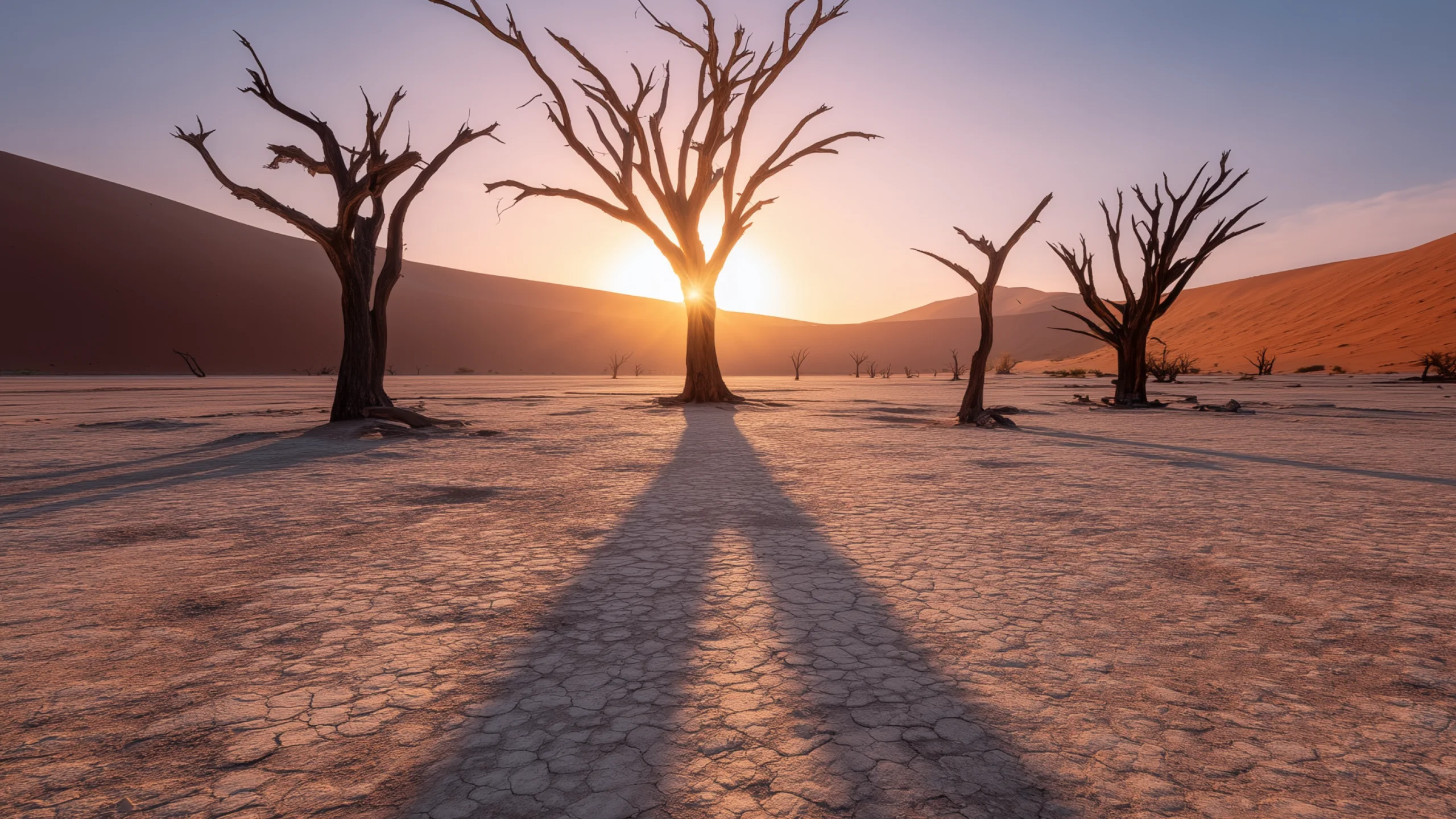
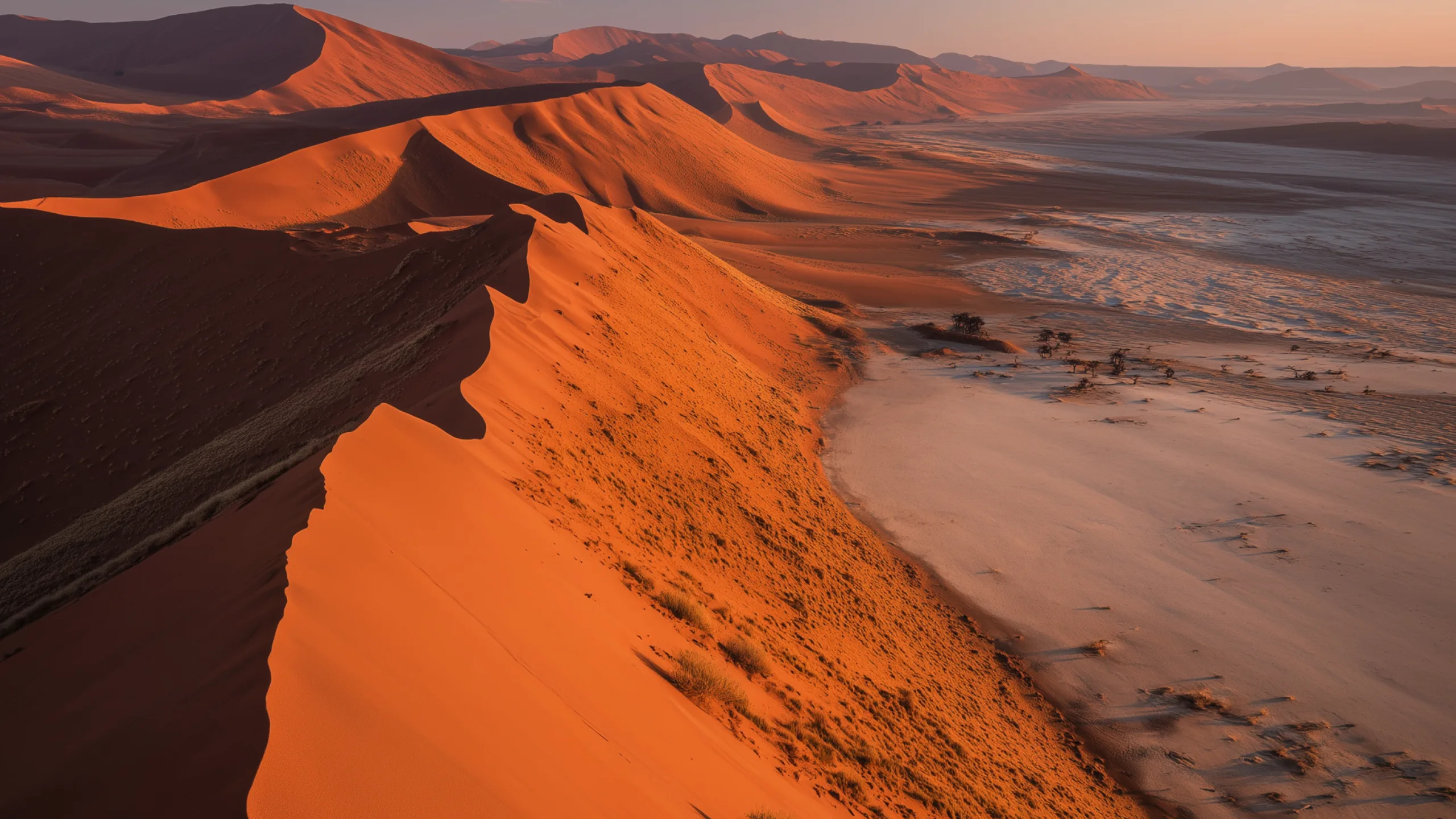
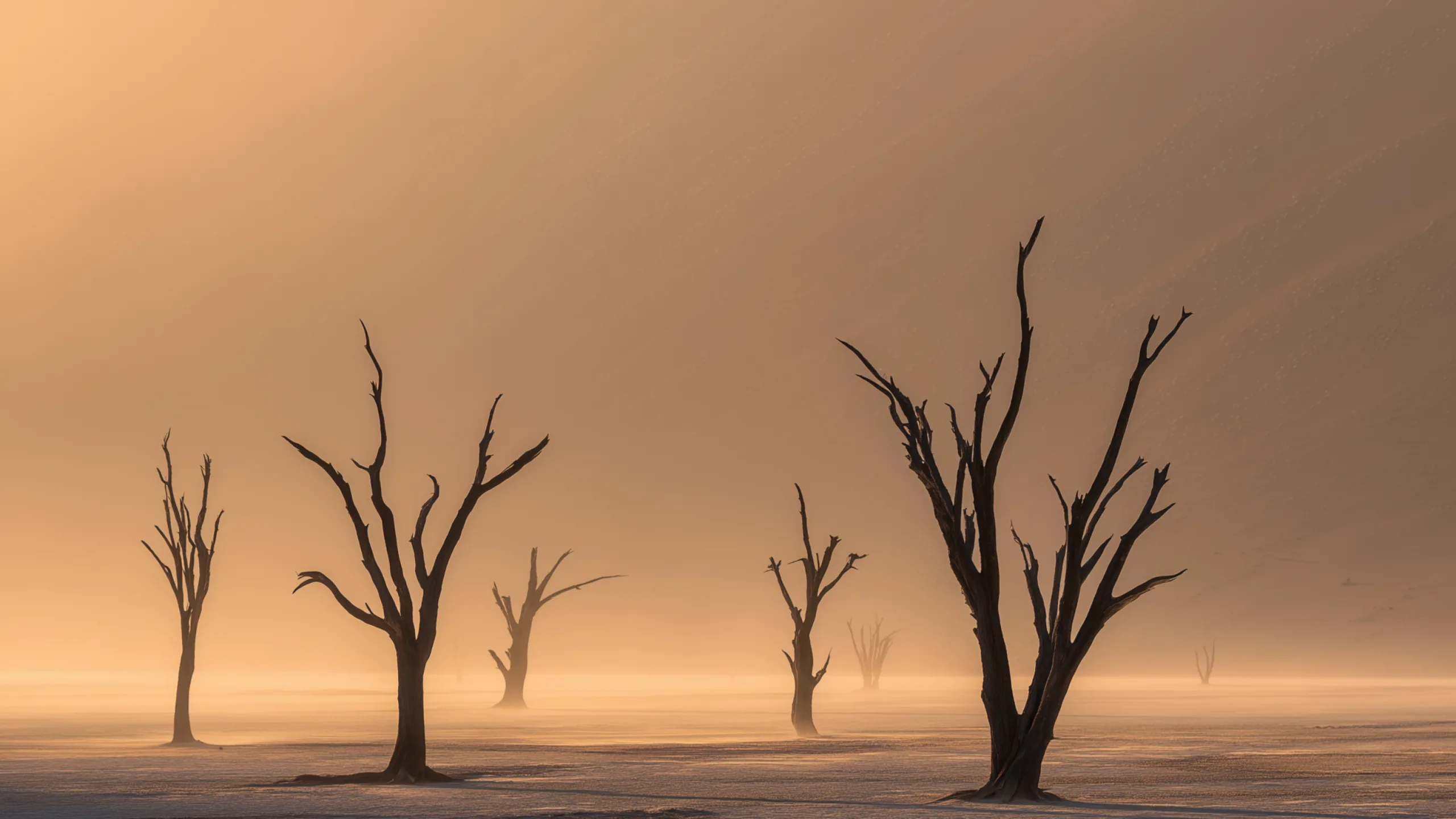
Each display is handed a different picture from the scene you’re on. Run out of views and the next one comes from another collection rather than doubling up.
Every picture is rendered for that display’s own shape and resolution, whether that is an ultrawide, a Retina panel or a MacBook screen.
Switch Spaces and each screen keeps the picture that belongs to it. Plug a monitor in and it gets its own view of the scene, in the same light as the rest.
Every scene is a real place, rendered across five times of day and five kinds of weather. That is twenty-five versions of each one, and your Mac always picks the right version for the moment.
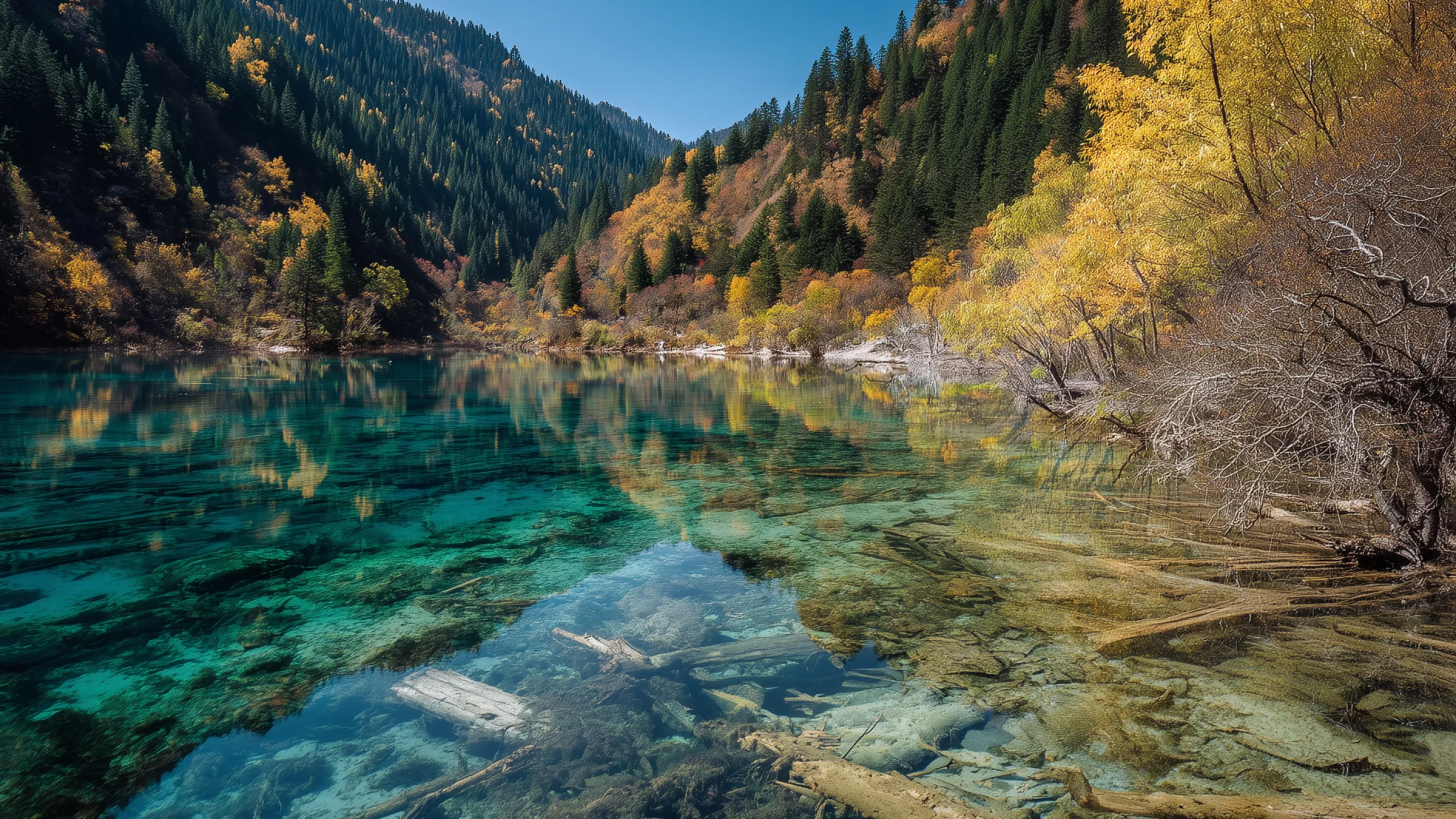
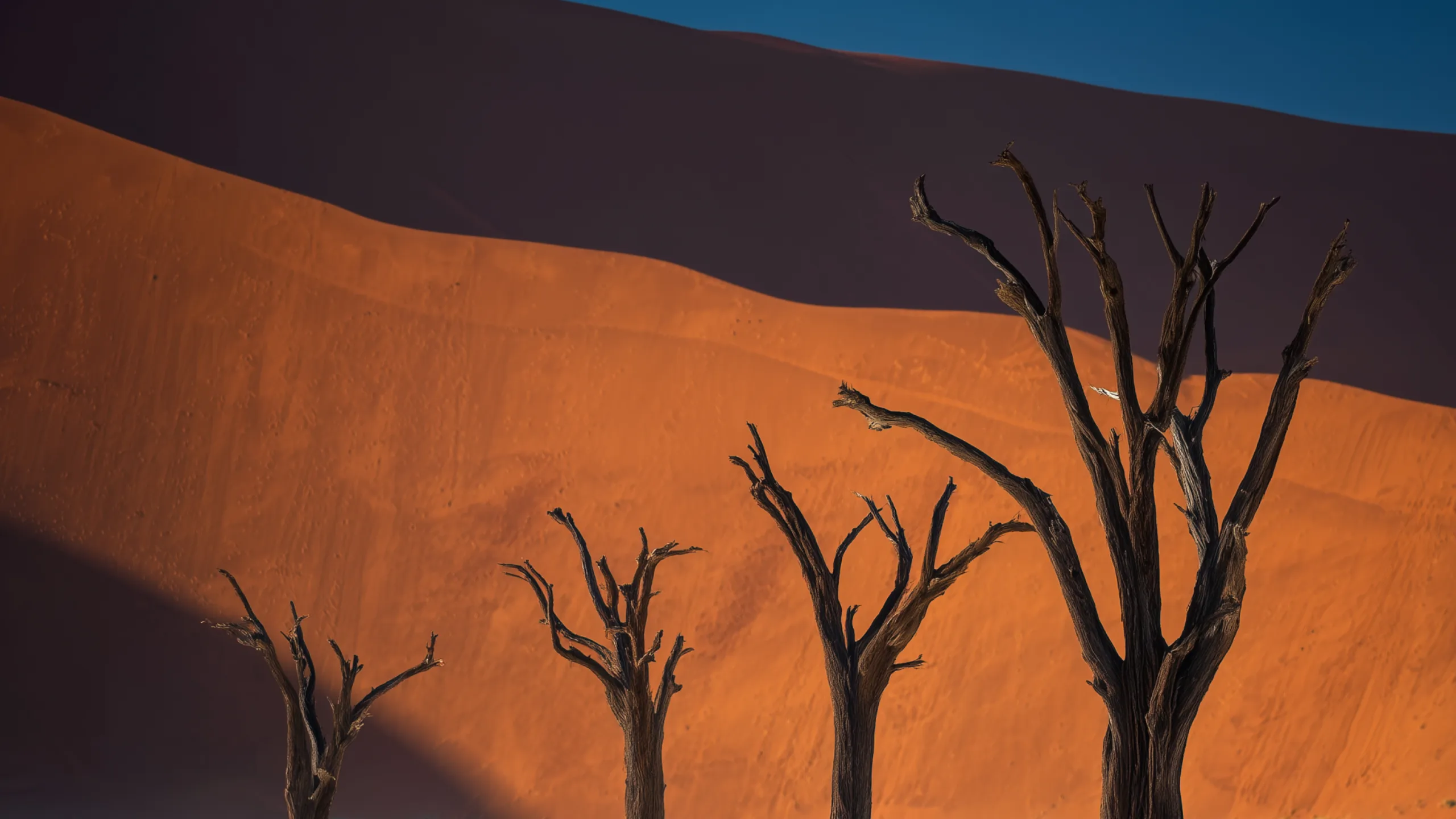
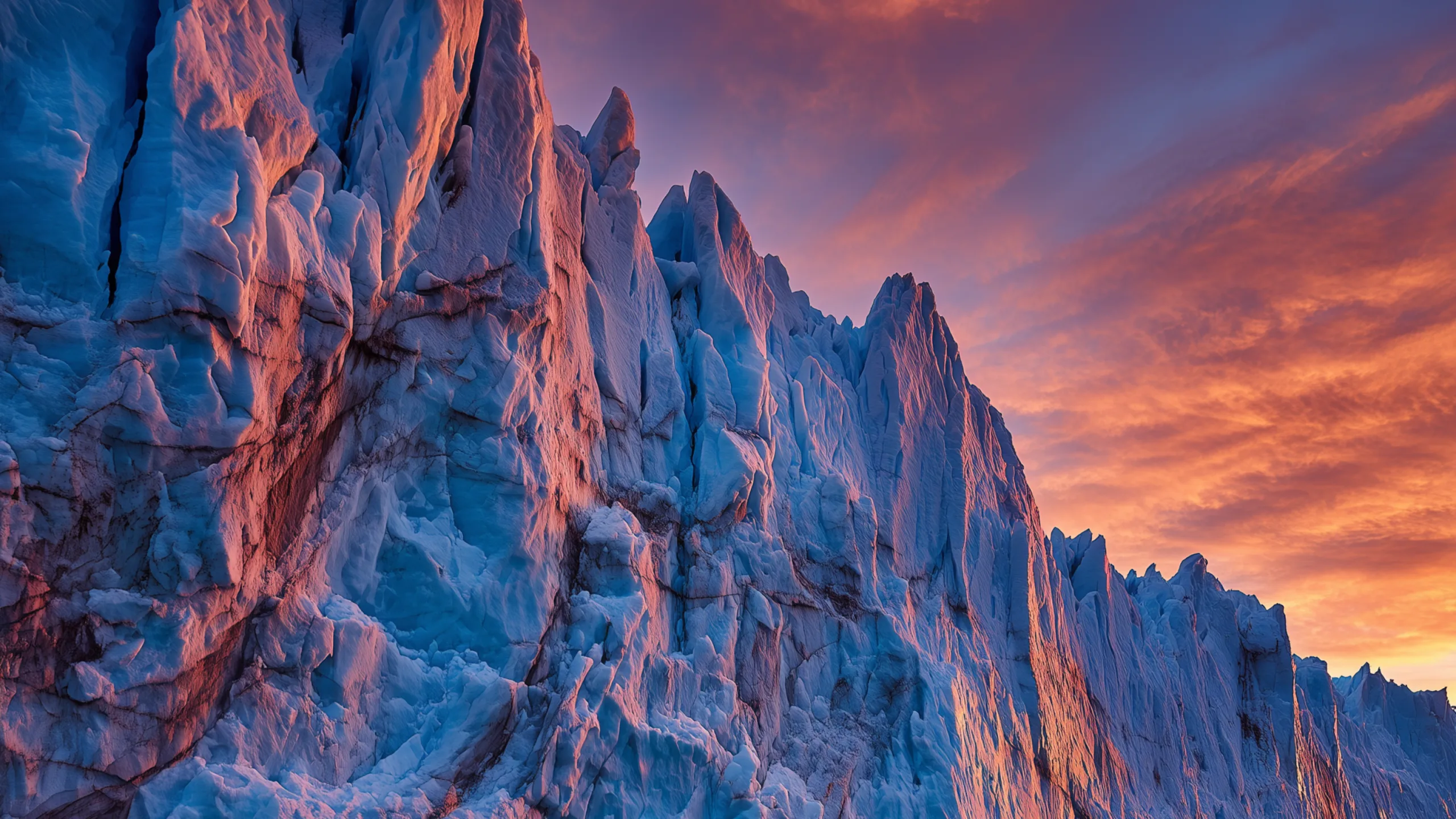
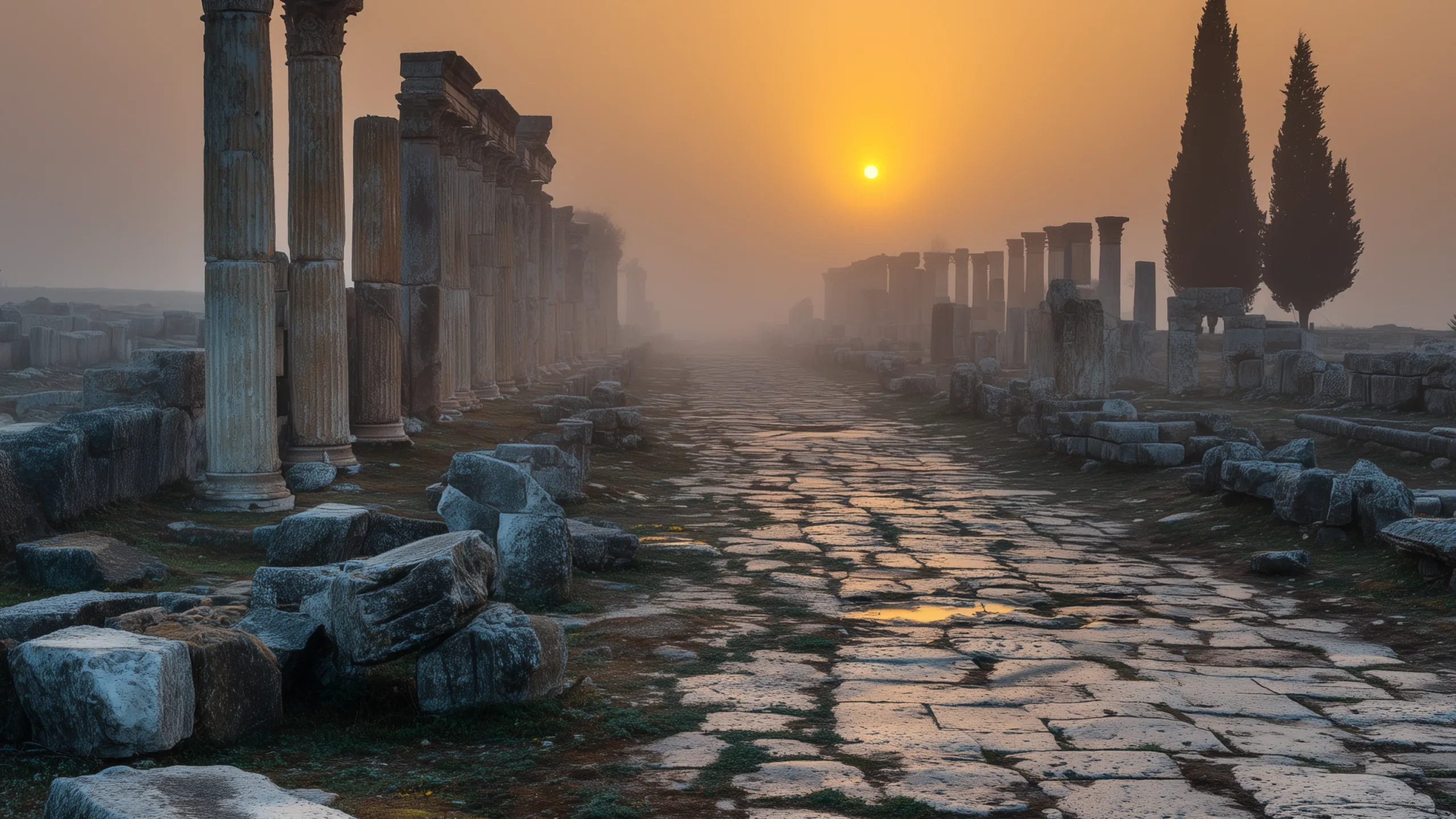
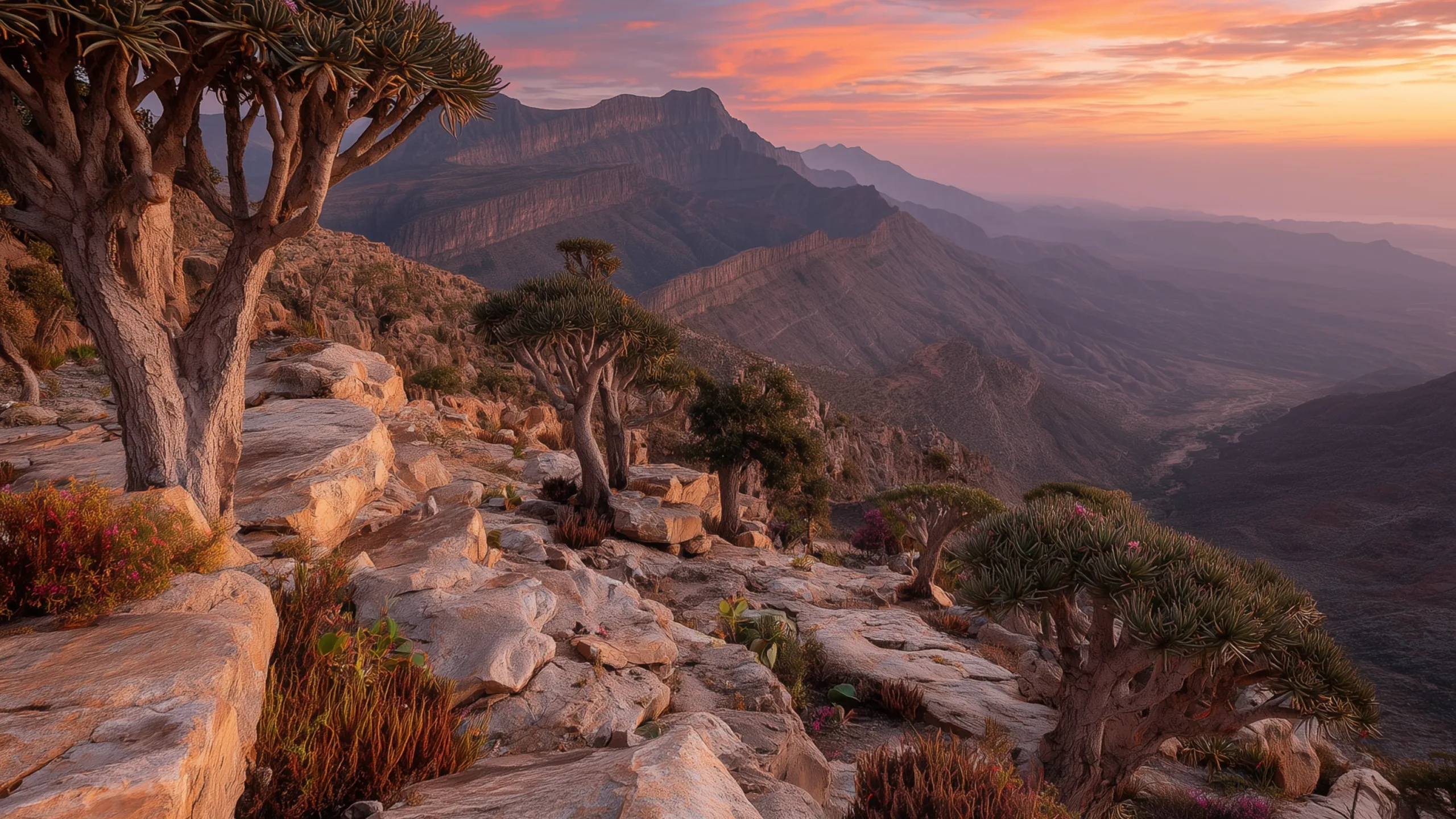
Chronoscape uses the actual sun times for your location, so every change lands at exactly the right moment.
It reads the current forecast for your city and swaps in the matching scene.
Give every monitor its own scene, sharp on Retina and ultrawide alike.
Chronoscape can rotate through the scenes you pick every fifteen minutes or every hour, and each one still shows the right time of day.
Built natively for macOS. It runs from the menu bar and uses very little battery, and you can hide the Dock icon if you like.
Chronoscape is free to download, with every scene rendering in real time. Unlock the full library with Pro — monthly, yearly, or once for good.
The starter collection, no account needed.
Full library, cancel anytime.
Full library, priced for the year.
Pay once, unlock everything for good.
Exact pricing is set by Apple and shown in the App Store at checkout.
Chronoscape is available now on the Mac App Store. Download it directly, or search for Chronoscape in the App Store app.
You’ll need macOS 14 or later.
No. Location is optional, so you can type a city instead and Chronoscape will use that. If you do grant access, it asks only for coarse location, accurate to about a kilometre, and uses it for two things: the weather where you are and the real sunrise and sunset times for that spot.
Open-Meteo, a free public weather service. There is no account to create and nothing to sign in to. Your coordinates go to Open-Meteo to fetch the current conditions, and nowhere else.
Yes. The wallpaper already on your desktop stays where it is. Without a connection, Chronoscape keeps the time of day right using your Mac's own clock and shows the clear-sky version of the scene until the weather can be checked again.
Yes, and it’s the part most people notice first. Instead of copying one picture onto every monitor, Chronoscape gives each display a different view of the same place, at the same hour and in the same weather, so the whole desk looks like one place.
Every picture is rendered for that screen’s own shape and resolution, Retina and ultrawide included, and each display keeps its own picture as you move between Spaces. See how it looks.
It shouldn't be. Chronoscape runs from the menu bar, and scenes are still images rather than video, so nothing is being rendered continuously, and the work happens only when the light or the weather actually changes.
It shows a Dock icon by default, which you can turn off in settings if you'd rather it stayed in the menu bar alone. On disk it keeps just the image currently on each display. Anything cached while you browse the collections can be cleared from settings whenever you like.
They’re rendered, not photographed. Every scene is a real place, and each one exists in twenty-five versions: five moments from first light to full dark, across five kinds of weather.
Nobody can photograph one canyon in twenty-five consistent states of light and weather, so rendering them is what makes a scene that follows your actual day possible at all. The places, the light and the weather are real; the pictures are made.
No, Chronoscape sets the desktop wallpaper only. macOS doesn't give apps a supported way to change the lock screen background.
Chronoscape is on the Mac App Store now. Free to download, with an optional Pro upgrade.


Requires macOS 14 or later.